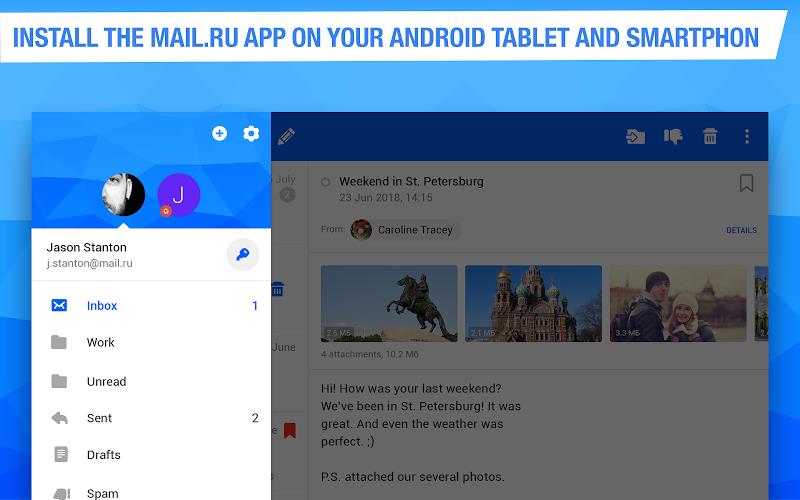
Access of searching for and contacting individuals, as all contact information is centralized within the app. Users can easily access and manage their contacts, making communication more efficient and streamlined. Overall, Mail is a versatile and comprehensive app that combines email management, cloud storage, calendar functions, notes, translations, and contact organization into one user-friendly platform, providing users with a seamless and efficient way to stay connected, organized, and productive in both their personal and professional lives.
Features of Mail:
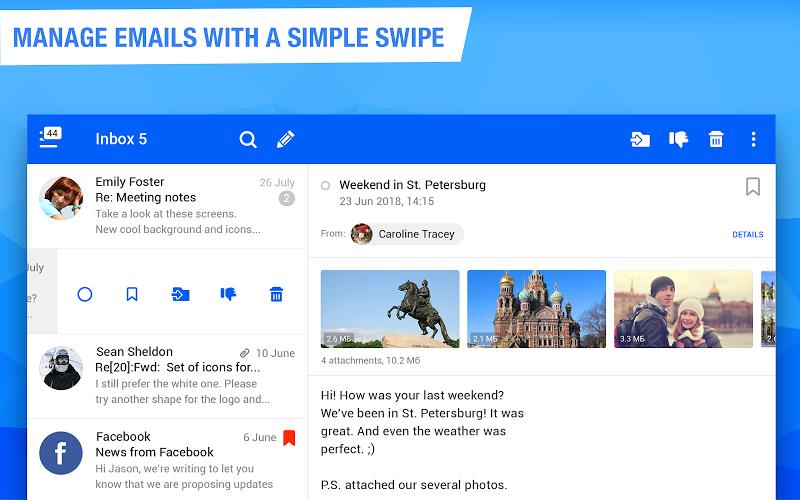
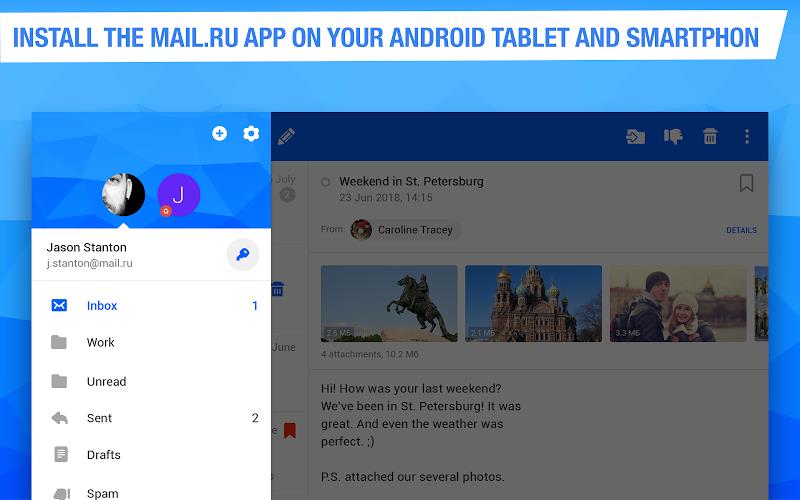
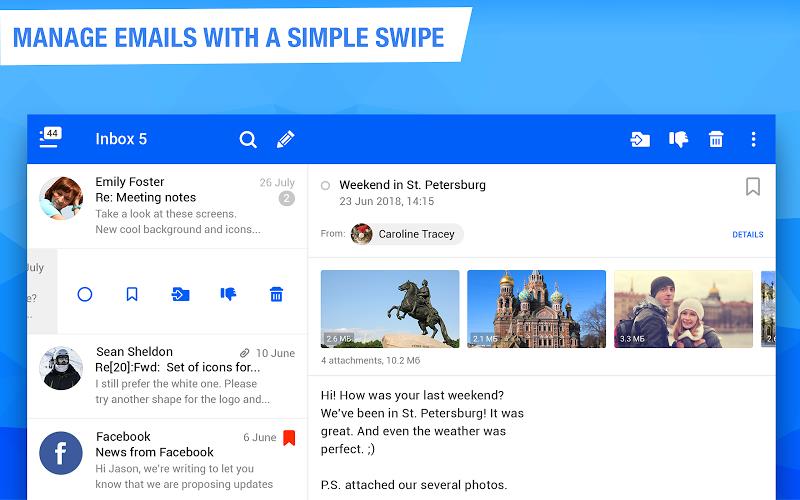
> Unified Interface: Mail integrates email management, cloud storage, and calendar functionalities into a single platform, making it convenient for users to access and organize their digital communications.
> Neural Network: The app's neural network helps summarize long emails, saving time and providing quick insights into important information without the need to read through lengthy correspondence.
> Calendar Feature: Mail's Calendar feature assists users in managing schedules effectively by sending reminders for meetings, suggesting optimal vacation dates, and providing checklists and reminders for important dates.
> Notes Integration: The Notes feature allows users to jot down important information, ideas, or tasks, ensuring everything is stored in one convenient location and enhancing productivity and organization.
> Cloud Storage: Mail offers a secure cloud storage service for saving documents, photos, and scans, freeing up device storage and ensuring important files are accessible from anywhere.
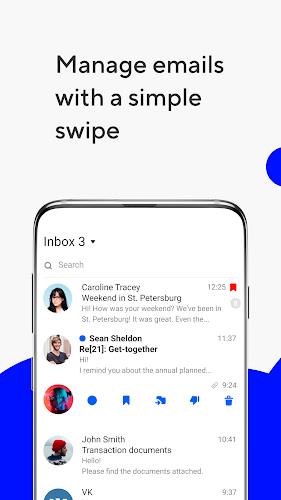
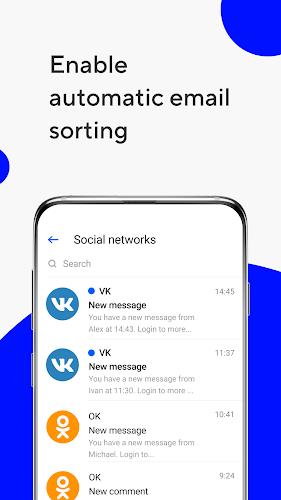
> Newsletter Grouping: The app automatically sorts emails into different categories, making it easier to manage newsletters and promotional emails by allowing users to unsubscribe from irrelevant content while keeping important communications organized.
FAQs:
> Can I use Mail with multiple email accounts from different providers?
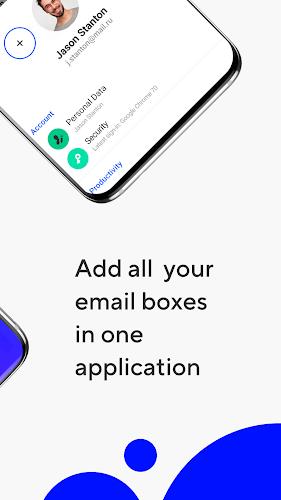
Yes, Mail allows users to access emails from various providers such as Microsoft Outlook, Yahoo, Gmail, and more, making it easy to manage multiple accounts in one place.
> Is Mail available for both Android and iOS devices?
At the moment, Mail is only available for the Android platform, offering seamless access to emails on Android devices.
> What kind of customization options are available for notifications?
Users can customize push notifications for specific folders and set preferred times to receive alerts, ensuring they are only notified about important emails and reducing distractions.
Conclusion:
With its unified interface, neural network for summarizing emails, calendar feature for effective scheduling, notes integration for productivity, cloud storage service, newsletter grouping capabilities, offline mode, language translations, dark mode option, and notification management, Mail is a comprehensive email management app that caters to users' diverse needs. By offering a range of features that enhance organization, productivity, and communication, Mail simplifies the process of managing digital communications, making it an attractive option for individuals looking for a more efficient way to handle emails and schedules.